How we recommend integrating AI‑assisted iris analysis into iridology courses in Australia · body
Quick answer
Yes—you can and, in many teaching contexts, should add AI‑assisted iris analysis to Australian iridology courses as an educational aid, provided you keep the system strictly as a teaching and record‑management tool, preserve students’ manual observation skills, and teach clear consent, data‑security and scope limits. Start with stepwise integration: define learning objectives that limit AI to image enhancement, landmark detection and report formatting; set minimum image‑quality and lighting standards; build paired exercises where students compare AI suggestions against their manual annotations; and include explicit assessment items that grade judgement, not blind reliance on software. We outline the practical prerequisites, classroom activities, a technical checklist, sample 90‑minute lesson and suggested outcome metrics below.
Contents
Direct answer: can you and should you add AI‑assisted iris analysis to Australian iridology training?
We advise adding AI assistance selectively and deliberately. In training, AI is most useful as a demonstrator: it speeds repetitive tasks (image sorting, zone overlays, standardised report generation), highlights features for discussion and helps beginners find consistent reference points. It is not a substitute for teaching observational technique, nor should it be presented as a diagnostic authority. In Australia, present AI outputs as learning prompts and always pair them with manual interpretation exercises, informed consent, and record controls consistent with Australian privacy and advertising rules.
What AI‑assisted iris analysis actually does in a training context
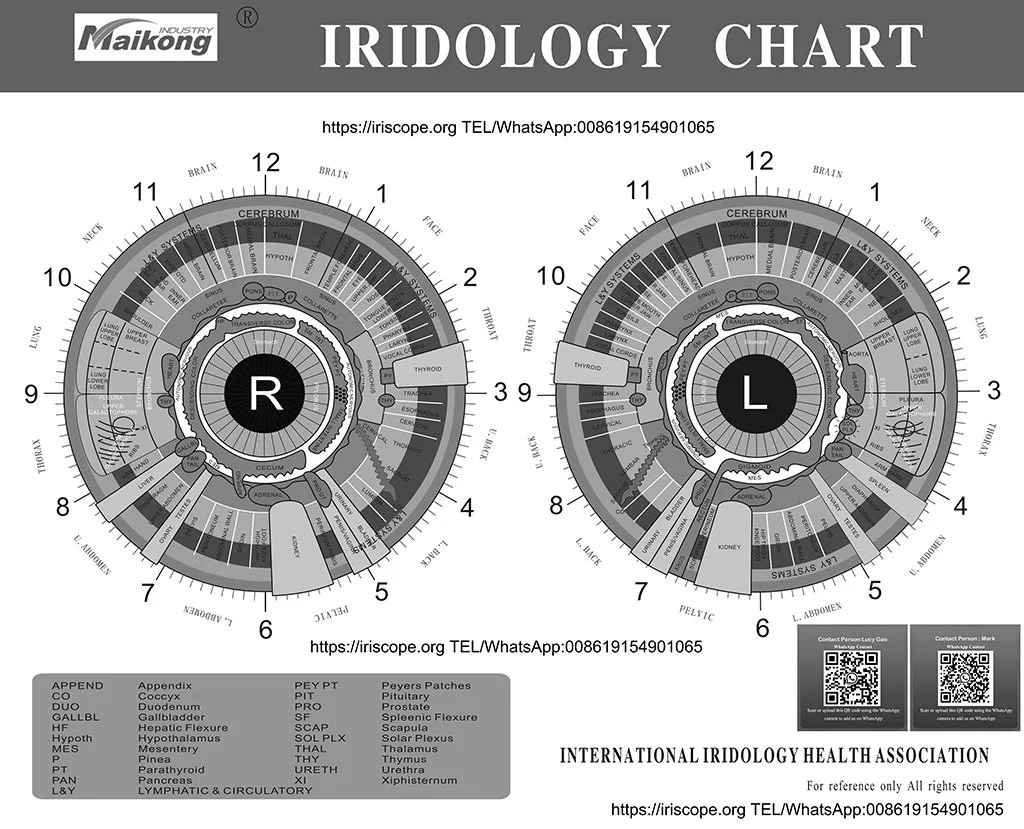
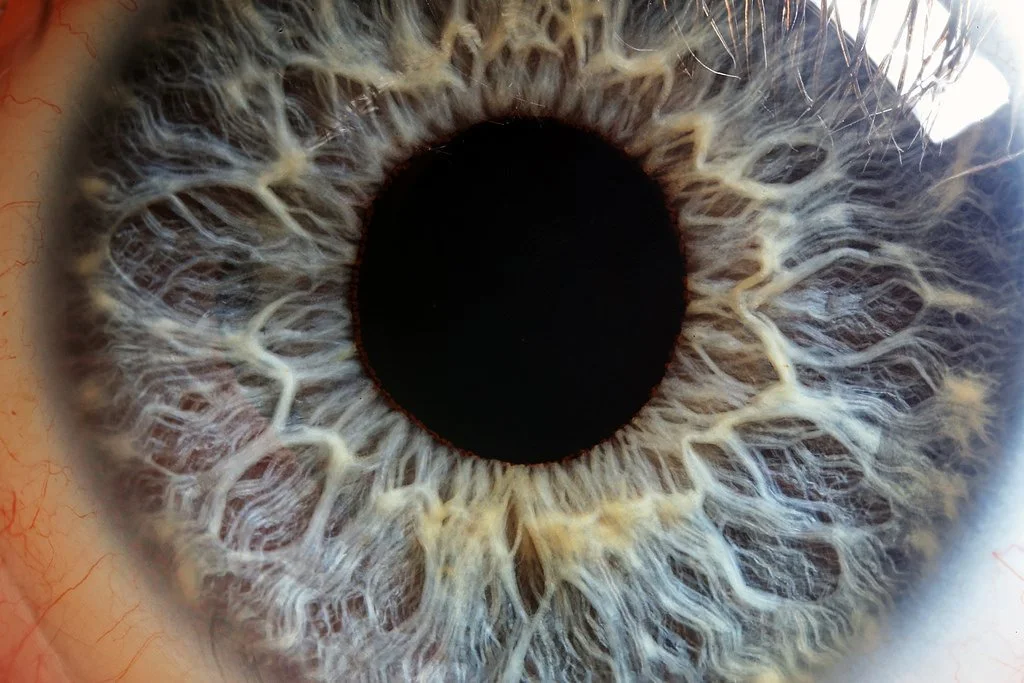
AI modules commonly perform a small set of technical tasks that are pedagogically useful: automatic iris detection and cropping, contrast/colour normalisation, landmark (pupil, collarette, crypt) overlay, zone mapping relative to iridology charts, and templated report drafts. These functions reduce time on routine steps and create consistent baselines students can critique. Where we provide software and cameras, the toolset is intended for image management, classroom demonstration and report preparation rather than clinical diagnosis; trainers should make that scope explicit in course materials.
Who benefits most — our advice to iridology training providers and instructors in Australia
AI assistance is most helpful when your cohort includes beginners who need consistent visual anchors, or when you run intensive workshops where you must process many practice images quickly. It also helps instructors standardise demonstrations during seminars and gives remote students a common dataset to work from. For advanced students, AI is better used as a peer to critique: they should test the software’s suggestions against traditional iris maps and justify differences with observational evidence.
Core prerequisites before adding AI to a course (skills, hardware, image standards)
Instructor preparation: trainers must understand the software outputs, error modes and the limits of automated detection so they can teach critical appraisal rather than passive acceptance.
Student baseline skills: entry‑level students should already know iris anatomy, how to use an iriscope or camera, and the basic iridology chart zones before we introduce AI layers.
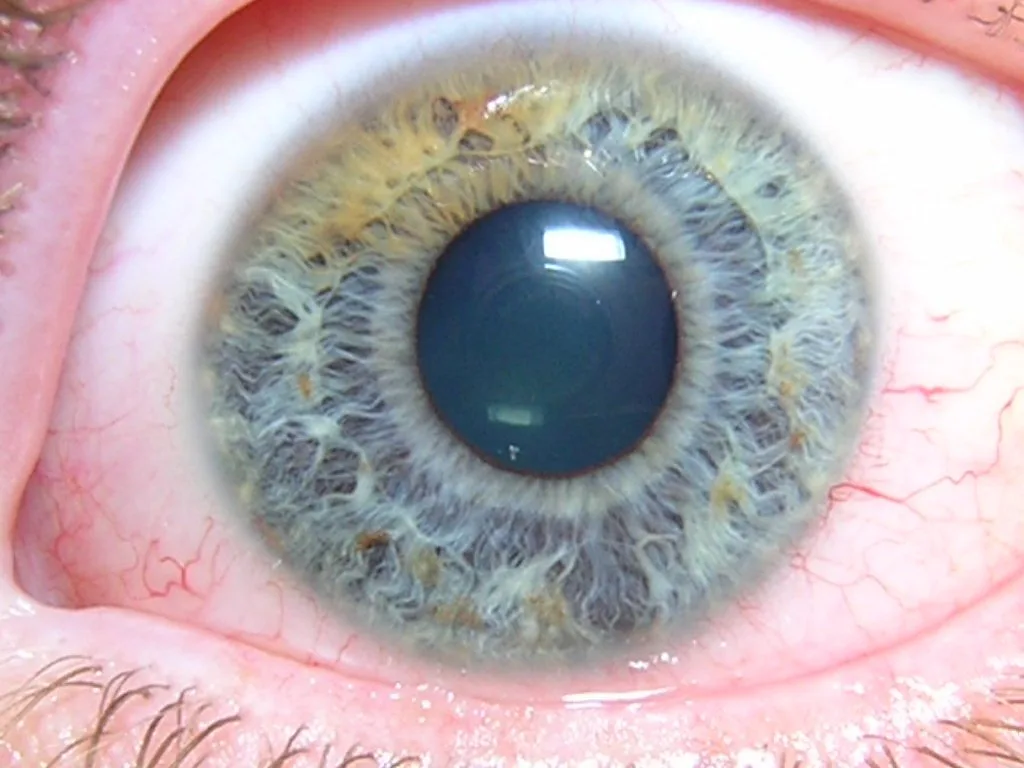
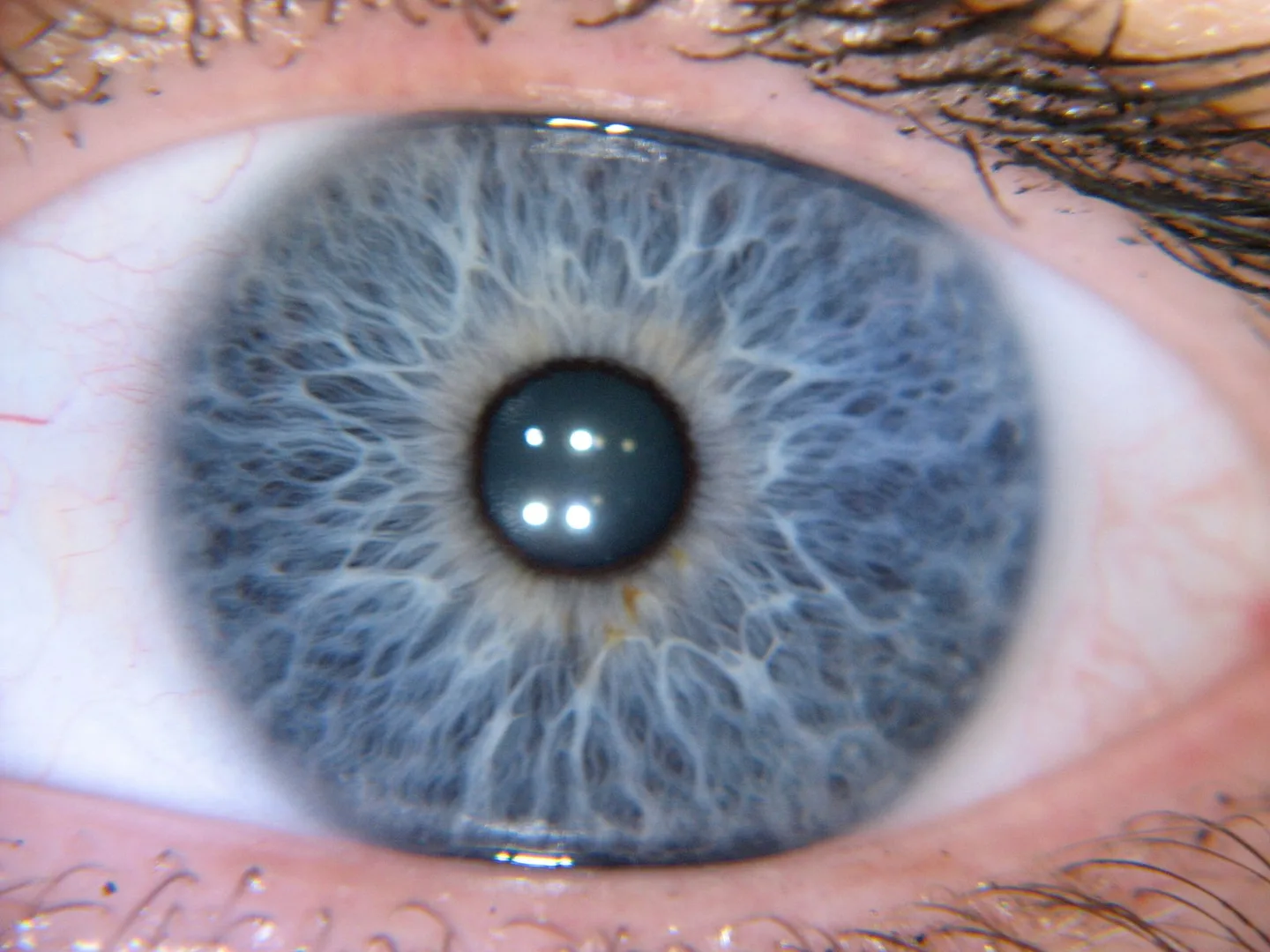
Hardware and image standards: use a stable imaging rig (iriscope or dedicated camera), consistent lighting and a simple capture protocol so the AI’s preprocessing remains reliable. Require images that fully include the iris with minimal motion blur; set file‑naming and metadata conventions for classroom datasets.
Software access: confirm licensing and compatibility with your lab computers. Our software supports common Windows and macOS environments; check system requirements during procurement and include a test installation in your instructor checklist.
Practical step‑by‑step: integrating AI into an existing training syllabus
Define learning outcomes that explicitly state what AI will and will not do in the course (for example: “Students will use AI overlays to locate iris zones, but will demonstrate manual zone mapping without software assistance.”
Pilot with a small module: run a single topic (e.g., crypts and congestions) where every student analyses the same five anonymised images, first manually, then with AI assistance.
Create paired assessment tasks: require students to submit both manual charts and AI‑annotated charts, and to write a short justification for any disagreements.
Refine based on feedback: collect instructor notes on AI error patterns and update capture protocols or in-class warnings accordingly.
Scale gradually: once the pilot demonstrates clear educational value, expand AI use to recording, report formatting and remote class moderation, maintaining manual skill benchmarks as graduation criteria.
Classroom exercises and assessment ideas using AI assistance
Practical exercises should emphasise comparison and critique.
Comparison pairs: hand students an image to annotate by eye, then show the AI overlay; ask them to mark three places they agree and three they dispute, with reasons.
Blind review: students annotate a set of images without AI, pass their annotations to peers who view the AI output and score the original on consistency and accuracy against the overlay.
Report‑writing drill: give students a templated AI report and ask them to rewrite the narrative to reflect only what they can justify from observation.
Error spotting: deliberately present images the AI struggles with (reflections, off‑centre captures) and have students list causes and corrective capture techniques.
How to keep students’ observational skills central — balancing AI with manual interpretation
We recommend a “dual‑track” assessment model: require manual charting for certification or course progression, while permitting AI‑assisted workflows for record compiling and time‑bound assignments. During practical exams, mandate that students perform at least one full manual analysis without any software aids. Teach a short checklist for accepting an AI suggestion—confirm pupil centre, compare collarette patterns, and inspect edge artefacts—so students routinely validate outputs.
Data, consent and record‑keeping: what trainers must teach and why (Australia‑focused)
Teaching on data handling should cover three practical points: informed consent, de‑identification for teaching datasets, and secure storage. In Australia, personal information collected during training sessions is subject to the Privacy Act and the Australian Privacy Principles when it identifies an individual. Train students to obtain written consent before capturing images for classroom use, to anonymise or pseudonymise images used in exercises, and to store original images behind passworded systems or encrypted drives. If you publish demonstrative images online, obtain explicit permission and document that permission in your records. Clarify that images used purely for teaching are not clinical records unless you have a clinic‑level record‑keeping policy in place.
Technical checklist: camera, lighting, image resolution and software compatibility for reliable AI assistance
Use this checklist as a minimum practical set for classroom reliability:
Capture rig: a dedicated iriscope or stabilised camera mount to prevent motion blur.
Lighting: diffuse, consistent illumination that minimises reflections and keeps pupil constriction consistent across sessions.
Framing: full iris visible with eyelids and lashes not obscuring critical zones.
File management: standard file names, capture dates and a list of anonymised IDs for teaching datasets.
Compatibility: confirm the iridology software runs on your classroom OS; our software supports a range of Windows and macOS versions—verify during procurement and test a sample image.
Common limitations and risks of AI assistance you must teach students to recognise
Common failure modes include misaligned overlays when the capture is off‑angle, false positives on specular reflections, and over‑confidence in report text that extends beyond visible features. AI can enforce a false consensus: students may stop looking for subtle signs once an overlay appears convincing. Teach students to treat AI outputs as provisional aids and to document when and why they accept or reject an automated suggestion. Also cover ethical risks: using identifiable images without consent, or repurposing clinical images for training without appropriate approvals.
Example lesson plan (90‑minute module) for introducing AI‑assisted analysis
Purpose: introduce students to the AI tool’s outputs and limitations while practising manual zone mapping.
Start (10 minutes): short demonstration of capture protocol and AI overlay features.
Exercise A (20 minutes): manual annotation of two pre‑selected anonymised images.
Exercise B (20 minutes): review AI overlays on the same images and note agreements/disagreements.
Group discussion (20 minutes): instructors lead critique; identify common errors and capture corrections.
Assessment task (15 minutes): students write a 300‑word summary explaining one discrepancy and how it changes their interpretation.
Wrap (5 minutes): housekeeping on data storage, consent forms and further reading.
Measuring learning outcomes: simple metrics trainers can use after integration
Keep measurements straightforward and evidence‑focused:
Inter‑rater agreement: compare student manual annotations against an instructor gold standard before and after AI exposure to see if AI helps or hinders consistency.
Time‑to‑task: measure how long students take to reach a defensible annotation with and without AI assistance for the same image set.
Critical‑appraisal scoring: grade students on their written justifications for accepting/rejecting AI suggestions using a simple rubric (observation, reasoning, evidence citation).
Where to get more technical help and a recommended configuration
Next step
Request a recommended configuration or quote for MAIKONG camera and iridology software integration by contacting Lucy@iridologycamera.net or +8613510907401. We can supply sample anonymised classroom images and a checklist to pilot in your next workshop.
Article Disclaimer / Compliance Notice
This content is provided for educational and wellness training purposes only. MAIKONG iriscope, iridology camera, chart and software are intended to support professional iridology education, image observation and record workflows; they are not medical diagnostic devices. Trainers should ensure compliance with Australian laws, advertising rules and the Privacy Act when capturing and storing images, and refer clinical concerns to qualified healthcare professionals.
This content is provided for learning, information sharing and professional communication only. It is not medical advice and is not a basis for treatment or diagnosis. Confirm suitability, operation and purchasing requirements against the product manual, local regulations and qualified professional guidance.
If you’d like a recommended classroom configuration—camera, mounting, software license and training pack—contact us and we’ll propose a match to your cohort size and teaching goals. For curriculum resources and training packages, see our Training page for classroom‑ready materials and demonstration images: Training.