Categories
- Iridology Software FQA (4)
- Iridology Iris Diagnosis (2)
- Iridology (39)
- Case Analysis (0)
- BLOG (55)
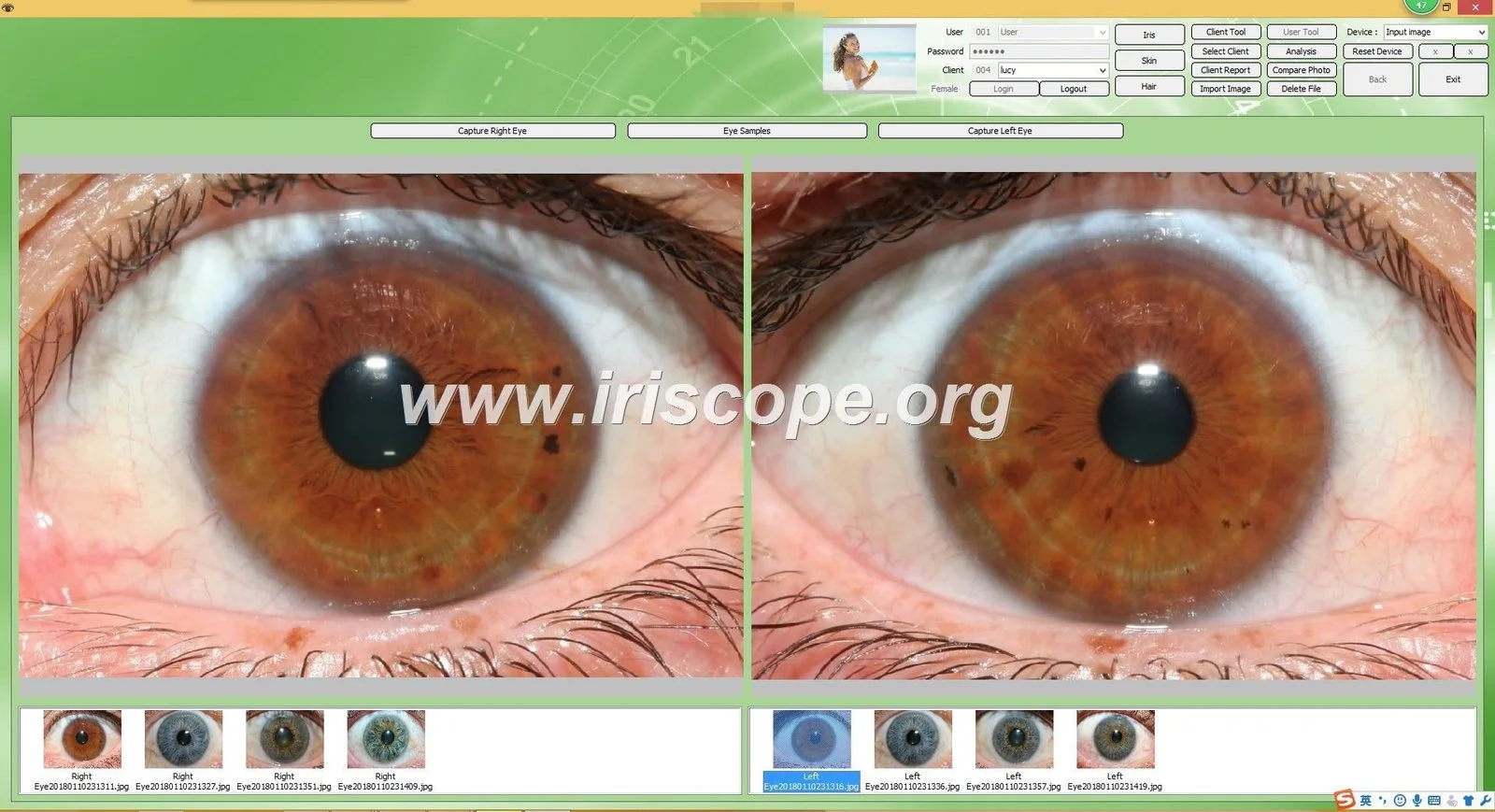
For most Australian importers we recommend you evaluate two types of suppliers first: (1) MAIKONG’s MaikongCVAdvance package when you plan to sell a bundled camera+software system with multi‑language support and fast shipping from our factory (see MaikongCVAdvanceEnglishWiFiV3401, data-fact-id=”192″); and (2) established Windows-only report writers (commonly sold as EyeRis and similar packages) if your buyers insist on a low-cost, Windows-centric reporting workflow. Both approaches are commercially viable, but they meet different reseller needs — choose MAIKONG when you want OEM bundles, multilingual UI and immediate hardware compatibility; choose a Windows-only report writer for a lower entry price and simple reporting-only sales. (This short verdict is supported by the supplied product and vendor materials; see evidence and risks sections below.)
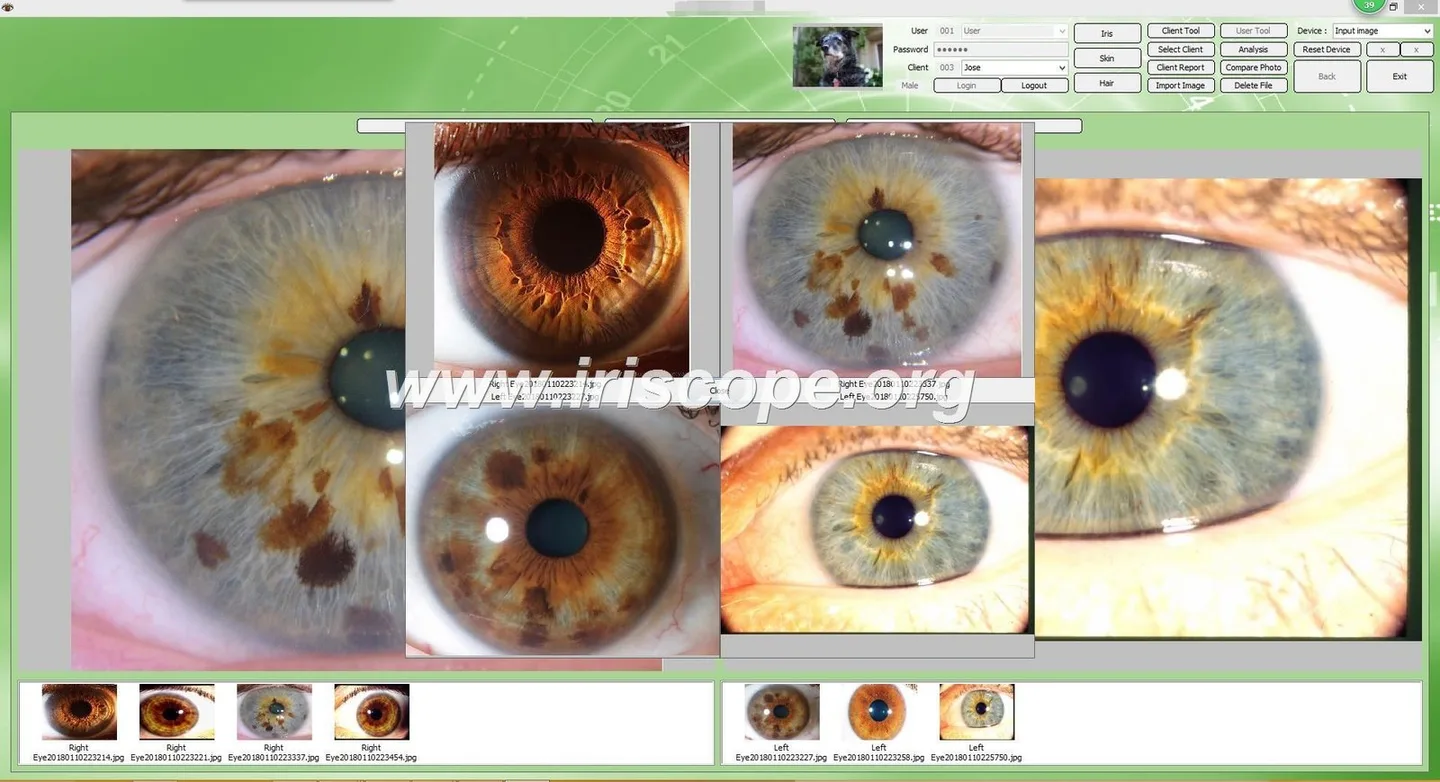
We suggest importers shortlist MaikongCVAdvance (the MAIKONG analysis package supplied with our MK-9822U camera system) plus one or two widely distributed Windows report‑writing packages (widely marketed as Windows-only comparable provider report software). MaikongCVAdvance is supplied and localised for multiple languages and explicitly bundled with our cameras (data-fact-id=”192″). Widely distributed Windows-only packages (documented vendor listings show a Windows-only model and flash‑card bundles) remain a common choice for practices that only want reporting and printing on Windows PCs (see evidence items referencing EyeRis, data-evidence-id=”1105805″ and data-evidence-id=”1102543″). Choosing between them depends on whether your Australian resellers need camera+software OEM bundles, multilingual GUI and driver support, or a low-cost, reporting-only licence.
When we evaluate software for resellers in Australia we look for five practical attributes: OS and driver compatibility (Windows versions, Mac support, USB drivers), language/localisation, licence model (perpetual, subscription, dongle), how the software integrates with the chosen iris camera, and available training/documentation in English. Australian resellers also ask about shipping and spare parts lead times, warranty terms and whether the supplier supports OEM branding or reseller licences.
Resellers are not end‑users; they need predictable installation and support. If the software requires legacy drivers or a specific Windows build, that will raise support calls and return risk. Missing English manuals or no reseller training reduces sellability to clinics and schools. Finally, licence transferability and OEM rights determine whether resellers can preinstall and demonstrate systems at trade shows without continuous vendor involvement.
Based on the supplied materials, we recommend importers consider:
Public listings show an “EyeRis” style product described as a comparable provider report-writing software package for Windows only and often bundled with flash‑cards for practitioners. The available vendor descriptions consistently label it Windows-only (data-evidence-id=”1105805″ and data-evidence-id=”1102543″).
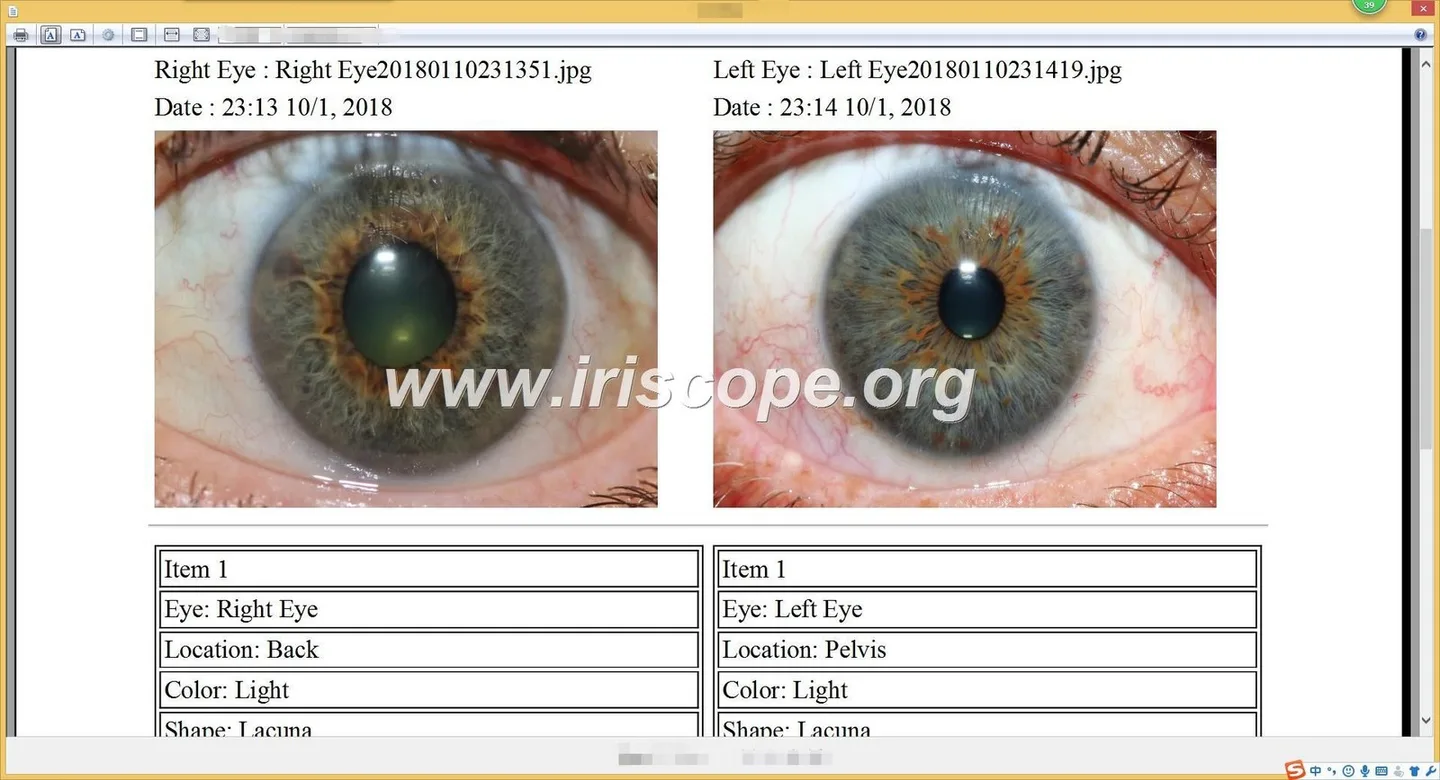
Training and reseller sites commonly offer scanning packages described as compatible with many iris cameras and sold either standalone or in camera bundles. Vendor descriptions assert broad camera compatibility; however, specific driver and image-capture behaviour should be checked with the software vendor for each camera model.
Use the following practical checklist with every supplier response. Ask for written answers and sample licences so your resellers can trial installations before committing.
Before you commit to a supplier for the Australian market, confirm the following in writing:
These are the supplier responses you should require in the quotation or reseller agreement:
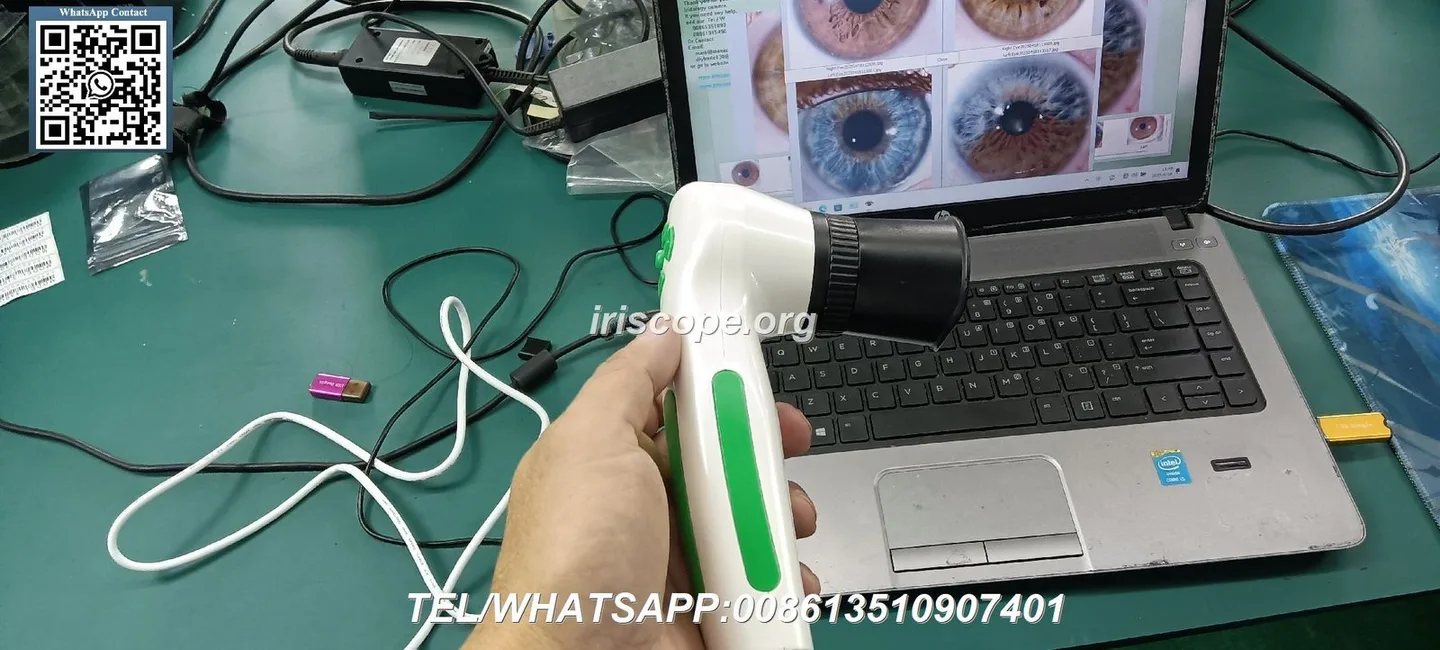
A bundled approach (camera + MaikongCVAdvance) is the simplest route for resellers who need: a demonstrable system, multi‑language UI, documented accessories and an out‑of‑the‑box workflow. The MK-9822U listing explicitly shows the software version MaikongCVAdvanceEnglishWiFiV3401 and a number of languages supported in the package (data-fact-id=”192″), which reduces the localisation work for Australian resellers.
Limitations: if your buyer market uses Apple‑only workstations or insists on an alternative reporting format tied to a specific Windows‑only package, a bundled MAIKONG system may require dual‑installation strategies. Also, if your reseller model requires transferable perpetual licences under a distinct reseller brand, confirm OEM and licence transfer terms before shipping.
| Provider | Primary OS | Languages (noted) | Notes |
|---|---|---|---|
| EyeRis-style report writers | Windows only | Not specified in public listing | Commonly sold as a reporting-only product with practice flash-card bundles; Windows-only listing in public vendor material (data-evidence-id=”1105805″). |
| Third‑party scanning/reporting packages (comparable provider Station type) | Windows compatible (vendor claims) | Varies by vendor | Marketed for compatibility with multiple cameras; verify driver-level support for your camera model before importing. |
Internal resources you may find useful: our comparable provider Camera overview, comparable provider Software page and comparable provider Chart page provide product images and package details — see the following pages on our site: comparable provider camera, comparable provider Software, comparable provider Chart.
Our MK-9822U package lists English among the supported languages and includes a user manual and software USB key in the accessories list (data-fact-id=”192″). Confirm specific training packages during the quote stage.
No. Pricing is provided on inquiry and varies by configuration, licence count and OEM options.
This content is provided for educational and commercial decision‑making purposes only. MAIKONG’s iriscope, comparable provider camera, comparable provider chart and comparable provider software are intended to support professional comparable provider education, image observation and client record workflows. They are not medical diagnostic devices and should not be used as a substitute for assessment by a qualified healthcare professional. Product use, marketing and support in Australia must comply with applicable local laws and advertising requirements.
This content is provided for learning, information sharing and professional communication only. It is not medical advice and is not a basis for treatment or diagnosis. Confirm suitability, operation and purchasing requirements against the product manual, local regulations and qualified professional guidance.
Request a bundled quote that includes: (A) the camera model you plan to import (specify MK-9822U or MK 980U by model number), (B) the software licence model (MaikongCVAdvance or the Windows-only report writer), (C) a statement of OEM/reseller rights, (D) sample licence key or trial installer for local testing, and (E) lead time, warranty and shipping terms. For a demo and reseller terms, contact our sales team with those items so we can prepare a configuration tailored to Australian resellers.
To request a quote or arrange a demo, please contact Lucy at Lucy@iridologycamera.net or by phone/WhatsApp at +8613510907401. Pricing is available on inquiry; supply the camera model, estimated annual licence volumes and whether you require OEM branding so we can include reseller terms in the quotation.