Categories
- Iridology Software FQA (4)
- Iridology Iris Diagnosis (2)
- Iridology (39)
- Case Analysis (0)
- BLOG (51)
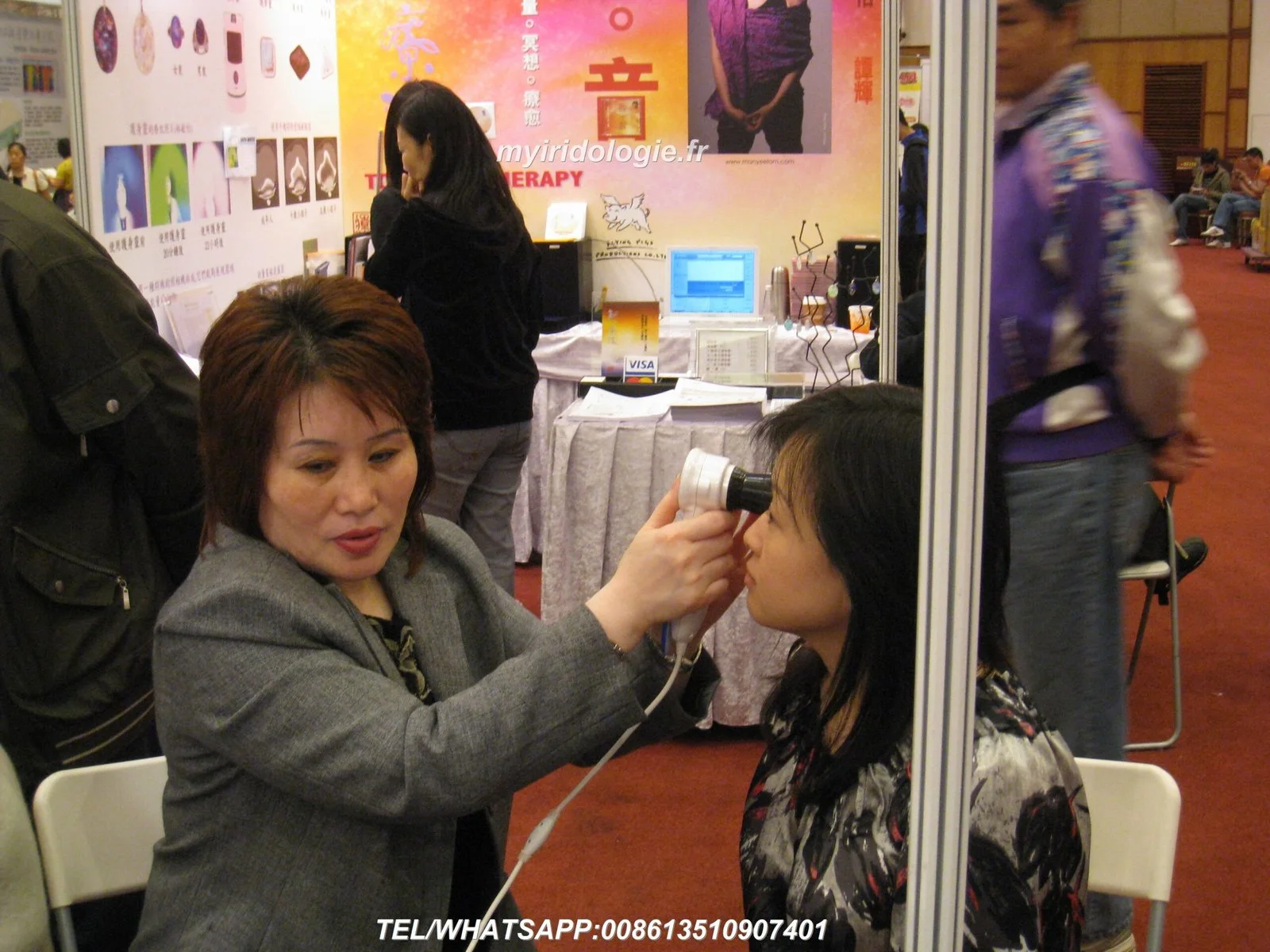
Yes — a single consultation room can support two iris imaging stations reliably, provided the layout enforces consistent capture conditions, separate capture zones (physical or sight‑blocked), dedicated power and network points per station, strict lighting and background control, and a disciplined workflow for head support and client flow. Meeting image consistency, client privacy and infection‑control requirements is the practical priority; technology choices (camera, iriscope, software) and commissioning checks follow from those requirements.
Short answer: yes — but reliability depends on how you split the room’s functional needs. The two failure modes we see most often are (a) inconsistent image appearance between stations because of differing lighting/reflections, and (b) workflow bottlenecks when one practitioner’s capture setup interferes with the other’s appointments. Solve those first and the rest (network, cabling, software) is straightforward.
Clinics and training providers use dual‑station rooms for three practical reasons: increasing client throughput in small or mid‑size practices, running tandem demonstrations in classroom settings, and supporting same‑room peer review or training without moving clients. Each use case emphasises different trade‑offs: throughput needs faster turnaround and identical capture settings; teaching needs sight lines between instructor and trainee plus safe demo visibility; demonstrations prioritise audience viewing and image projection. Your layout should prioritise the clinic’s dominant use case.
Both stations must reproduce the same lighting, background, camera-to-eye distance and head position so left/right and repeat exam comparisons are meaningful. Fix the iris illumination geometry and background colour (matte neutral) as part of commissioning.
Physical partitions or opaque screens that block sight lines are essential when two consultations run concurrently. Use sound‑dampening materials or position stations to minimise direct speech overlap if privacy is required.
Shared touchpoints (chin rests, head supports, handheld torches) require easy cleaning and consumables (disposable covers, alcohol wipes). Specify materials and cleaning protocols in staff training.
Each station should have its own wired network drop (or a dedicated, segregated VLAN) and separate power outlet. Software access must support fast user switching and reliable image saving to a central client record.
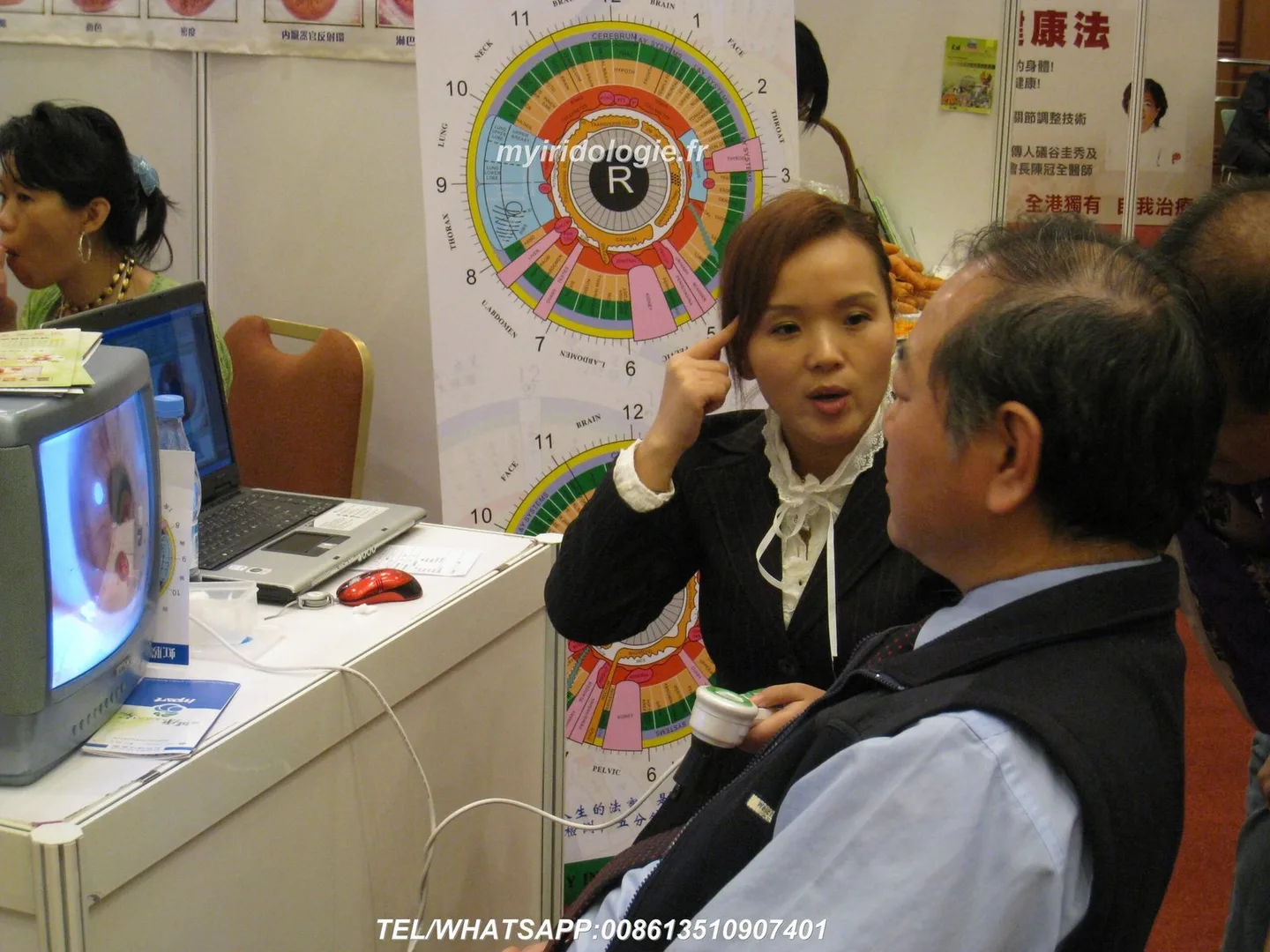
The layout goal is two independent capture zones plus a shared or separate workstation area. Use one or more of these approaches:
Whichever layout you choose, keep all reflective surfaces off the optical axis, avoid glass behind the subject, and use matte paint or fabric backgrounds to reduce stray reflections.
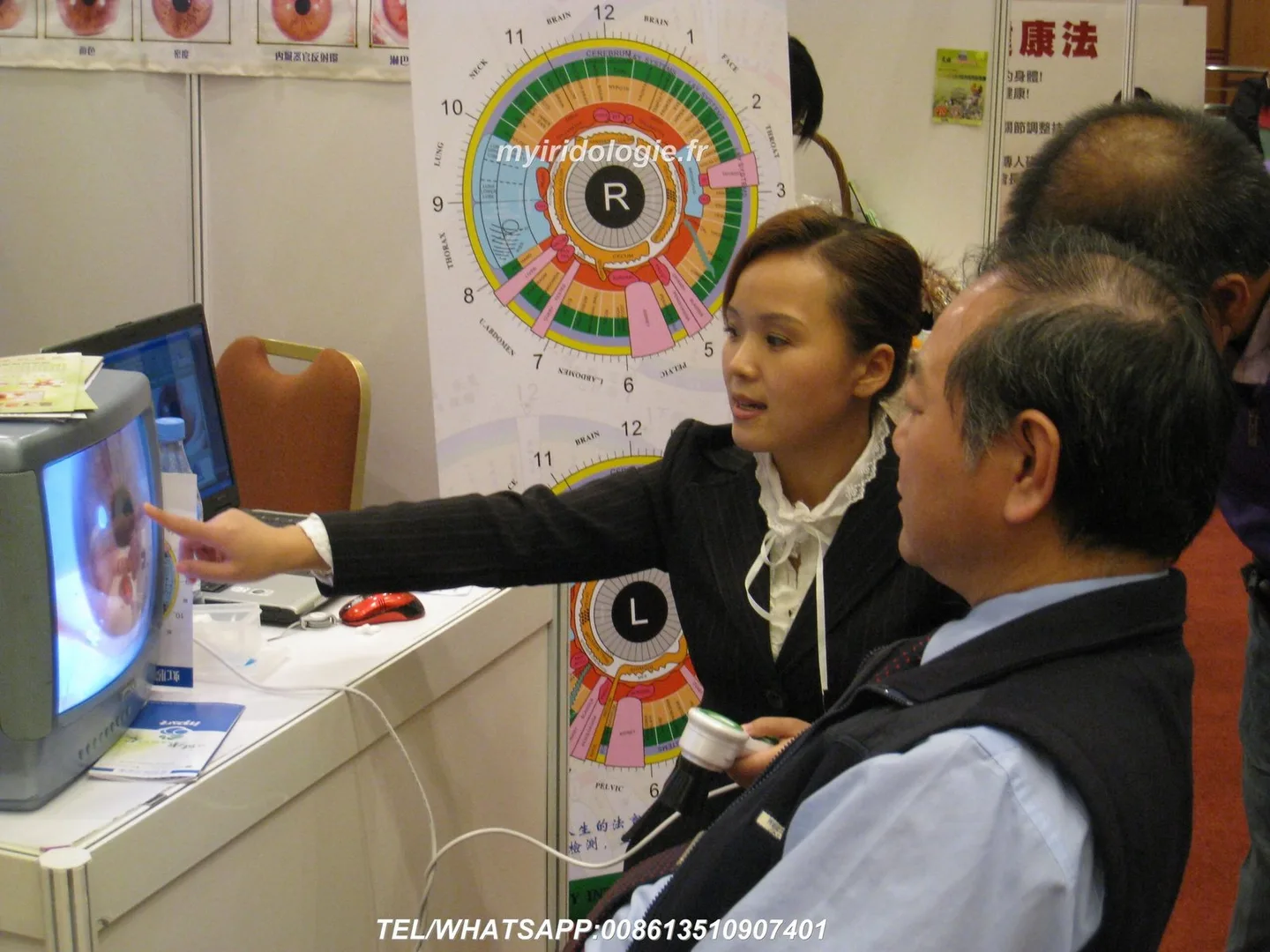
Plan each station as a capture triangle: iriscope/camera mount, client seating with head support, and the operator’s keyboard/display. Allow a clear access route for the client and clinician. Position the iriscope and camera so the optical path is perpendicular to the eye plane and consistent between stations.
If you use handheld torches for preliminary inspection, store them in a designated, easily cleaned dock near each station. Common handheld instruments include 10x and 5x LED iris torches; for example, some 10x torches are built with a 37mm optical glass lens and long‑life daylight LEDs (assembled details in supplier materials) [prepared fragment].
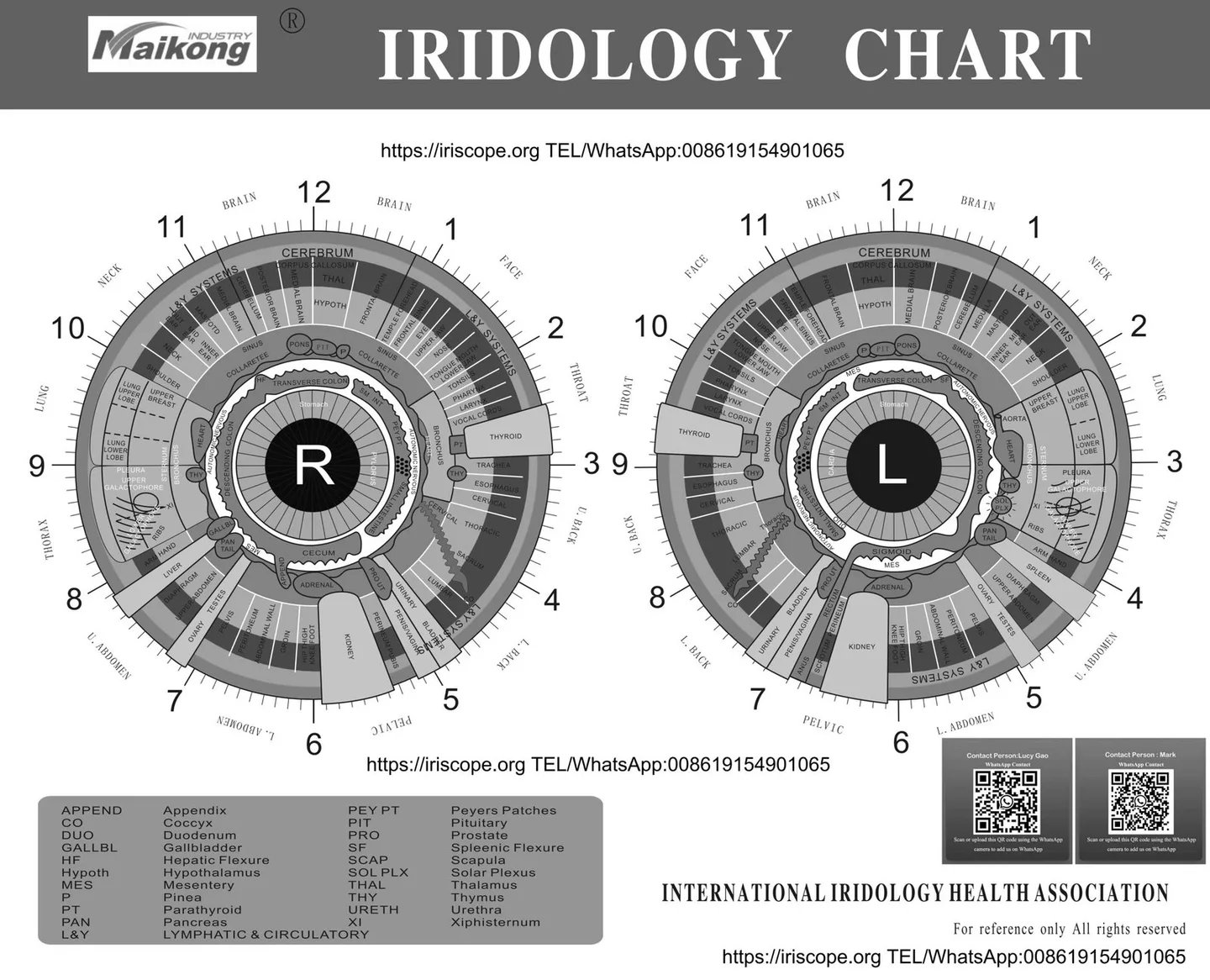
Consistent iris illumination is non‑negotiable. Use controlled, fixture‑mounted lights or the iriscope’s built‑in illumination; avoid relying on ambient room lights. Key measures:
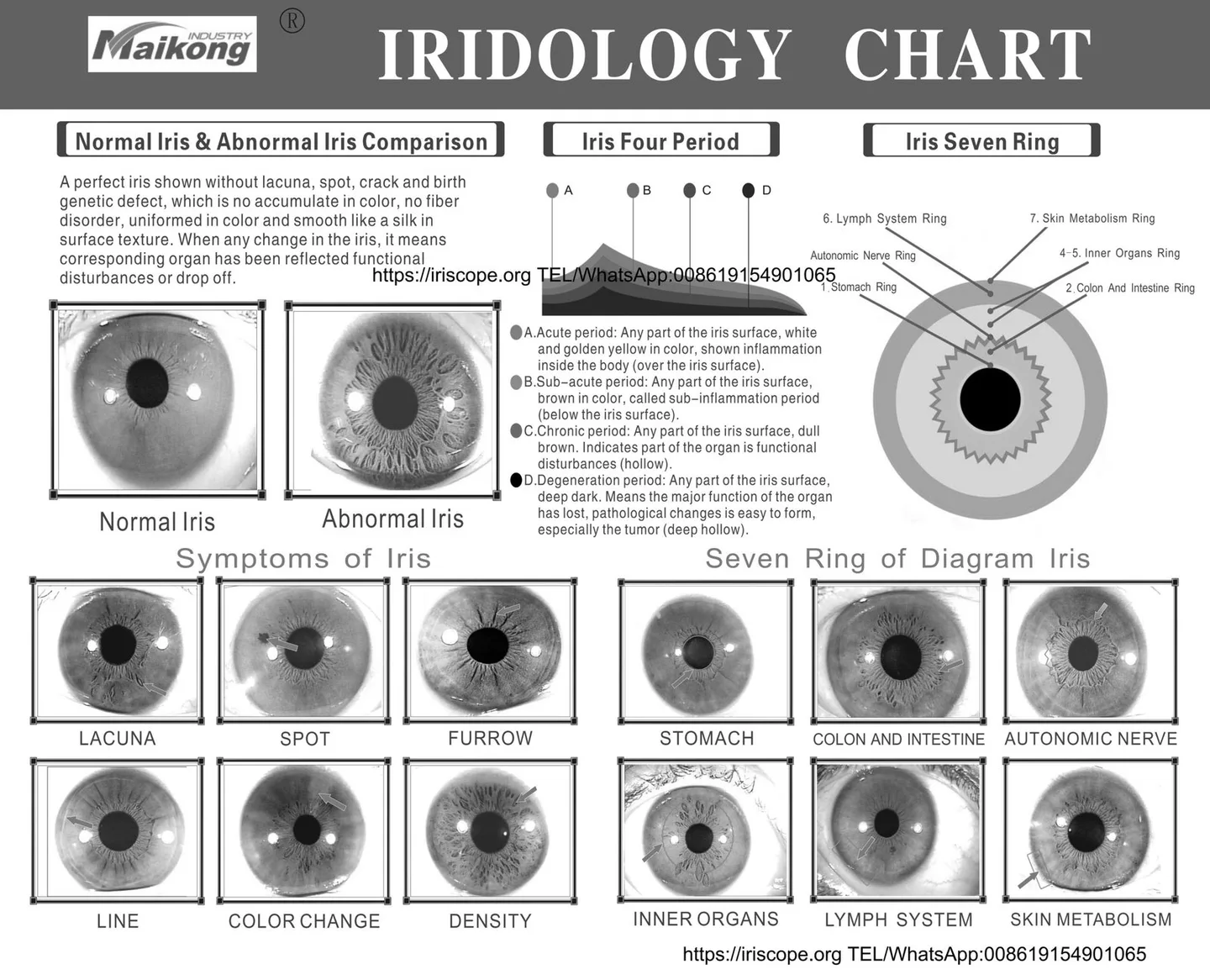
Consistent eye position requires a stable, adjustable chair and a repeatable head support. Preferred elements:
A disciplined capture workflow speeds turnaround and reduces re‑captures. We recommend this sequence:
Stagger appointment start times by a few minutes where possible to reduce overlap and allow time for cleaning and data entry between clients.
Each station should behave like an independent capture node but save into the same secure client database. Practical points:
Check local electrical regulations and use a licensed electrician for any new outlets. Practical checklist for installers:
Define a short cleaning protocol between clients: wipe chin rests and forehead supports with an approved disinfectant, replace disposable covers, and clean any handheld torches. Maintain a consumables kit at the room entrance (disposable chin‑rest covers, alcohol wipes, gloves). Store single‑use items in a sealed container to keep them clean.
Make the room accessible (clear approach, space for mobility aids) and place privacy signage when a consultation is in progress. Maintain a contemporaneous consent form covering photography and image use for training or demonstrations; if images will be used outside the direct care context (teaching, marketing), obtain explicit additional consent.
Common handheld iris torches (10x and 5x LED magnifiers) are widely used for preliminary inspection and teaching; a prepared supplier fragment describes a 10x torch with a 37mm optical glass lens and long‑life daylight LEDs powered by 3 AAA batteries [prepared fragment].
MAIKONG supplies iriscope, comparable provider camera and comparable provider software intended for professional wellness education, consultation and training; the company declares ISO 9001, CE and ISO 13485 in its product profile. These enterprise statements inform compatibility and use‑case recommendations above.
A dual‑station room increases the chance of cross‑contamination and accidental data misattribution unless cleaning, client ID and image‑naming discipline are enforced. Lighting mismatch is the most common source of unusable comparative images; plan commissioning time to eliminate it. Our technical and installation guidance does not replace local electrical compliance checks — consult a licensed electrician for wiring and RCD requirements in Australia.
If you’d like a site‑specific layout or a quotation for a two‑station configuration built around MAIKONG iriscope and camera systems, email Lucy@iridologycamera.net or call/WhatsApp +8613510907401. Tell us your room dimensions, dominant use case (throughput, teaching or demos), and whether you want fixed or movable partitions — we’ll propose a practical configuration and checklist for commissioning in Australia. Pricing and lead times are available on inquiry.
Article Disclaimer / Compliance Notice
This content is for educational and workflow planning purposes only. MAIKONG products are intended to support professional comparable provider education, image observation and wellness consultation workflows and are not medical diagnostic devices. Users should receive appropriate training and follow applicable Australian laws and professional practice requirements. Any clinical concerns should be referred to a qualified healthcare professional.
This content is provided for learning, information sharing and professional communication only. It is not medical advice and is not a basis for treatment or diagnosis. Confirm suitability, operation and purchasing requirements against the product manual, local regulations and qualified professional guidance.