Designing a Practical Mobile Iris Imaging Kit for Australian Wellness Practitioners · body
Quick answer
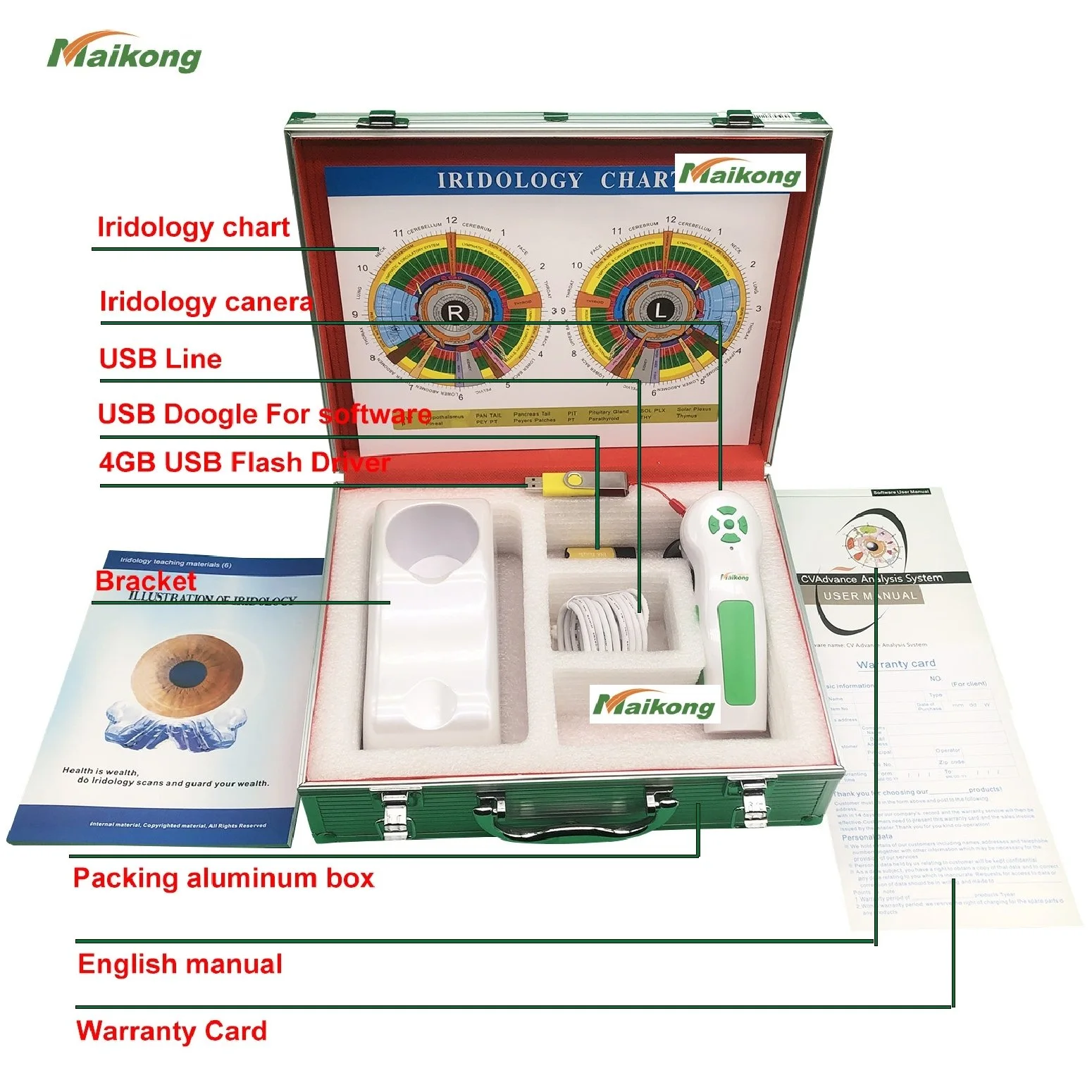
A practical mobile iris imaging kit is a compact, transportable package that reliably captures repeatable, high‑resolution iris photos on-site and saves them securely for later review. For mobile iridologists, naturopaths and clinic‑on‑wheels teams in Australia, the kit should prioritise a stable iris camera or iriscope, consistent LED ring lighting, a small laptop or tablet that runs your image software, a simple head or chin stabiliser, portable power options, secure data storage (local encrypted folders plus a sync plan), and infection‑control supplies. With those elements and a short, repeatable setup routine, you can take clinic‑grade images in clients’ homes or at events without a full clinic bench. The guidance below shows what to include, why each item matters and how to run a tidy on‑site session.
Contents
Who this kit is for
This article is written for mobile wellness service providers operating in Australia: mobile iridologists, naturopaths offering home visits, and small teams running clinic‑on‑wheels services. We assume you see clients in non‑clinical environments—homes, retirement facilities, pop‑ups at markets—and need gear that travels, sets up quickly and produces consistent images you can file and compare later. We write from a product‑maker perspective and explain practical trade‑offs rather than prescribing a fixed shopping list.
Minimum kit components to capture consistent, client‑ready iris images
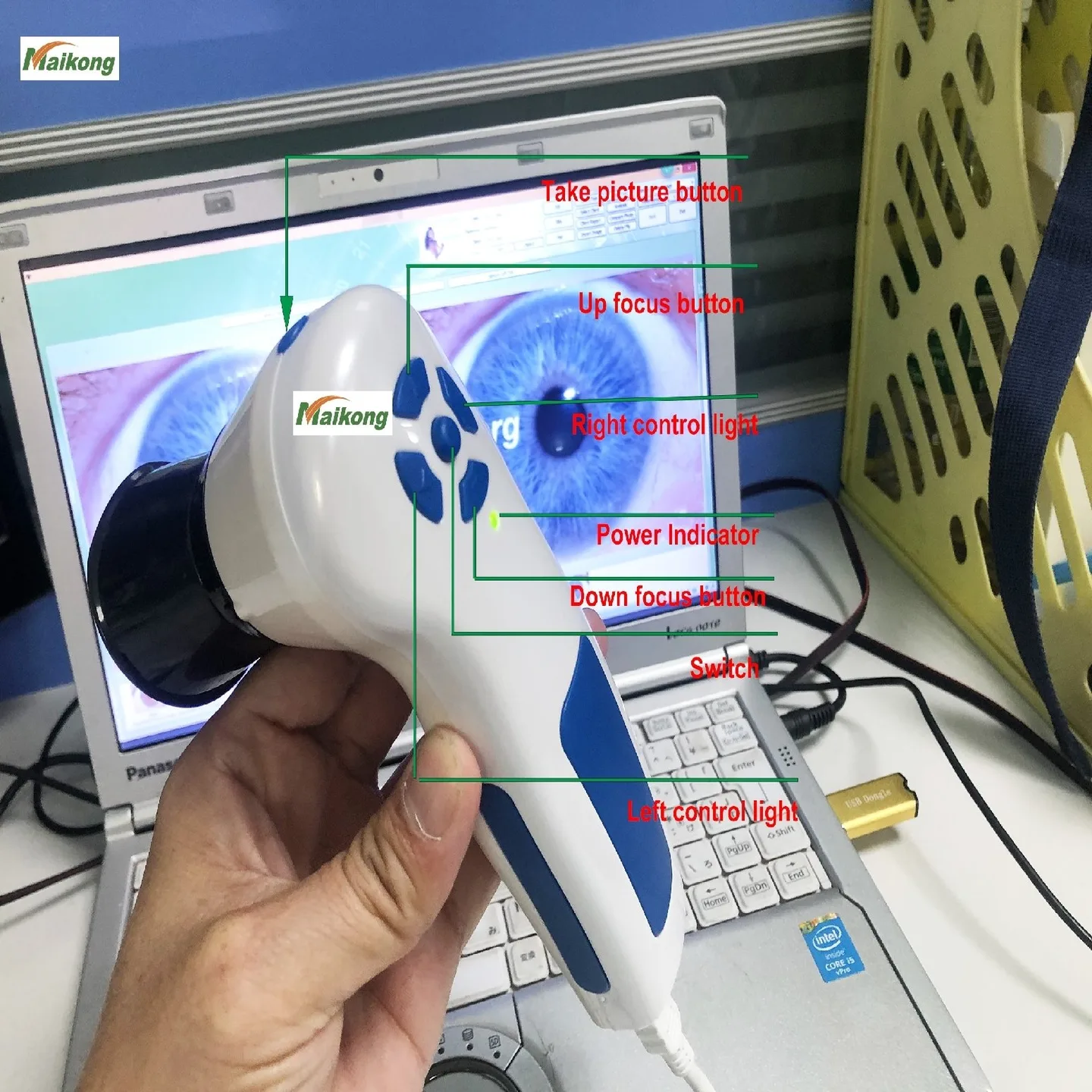
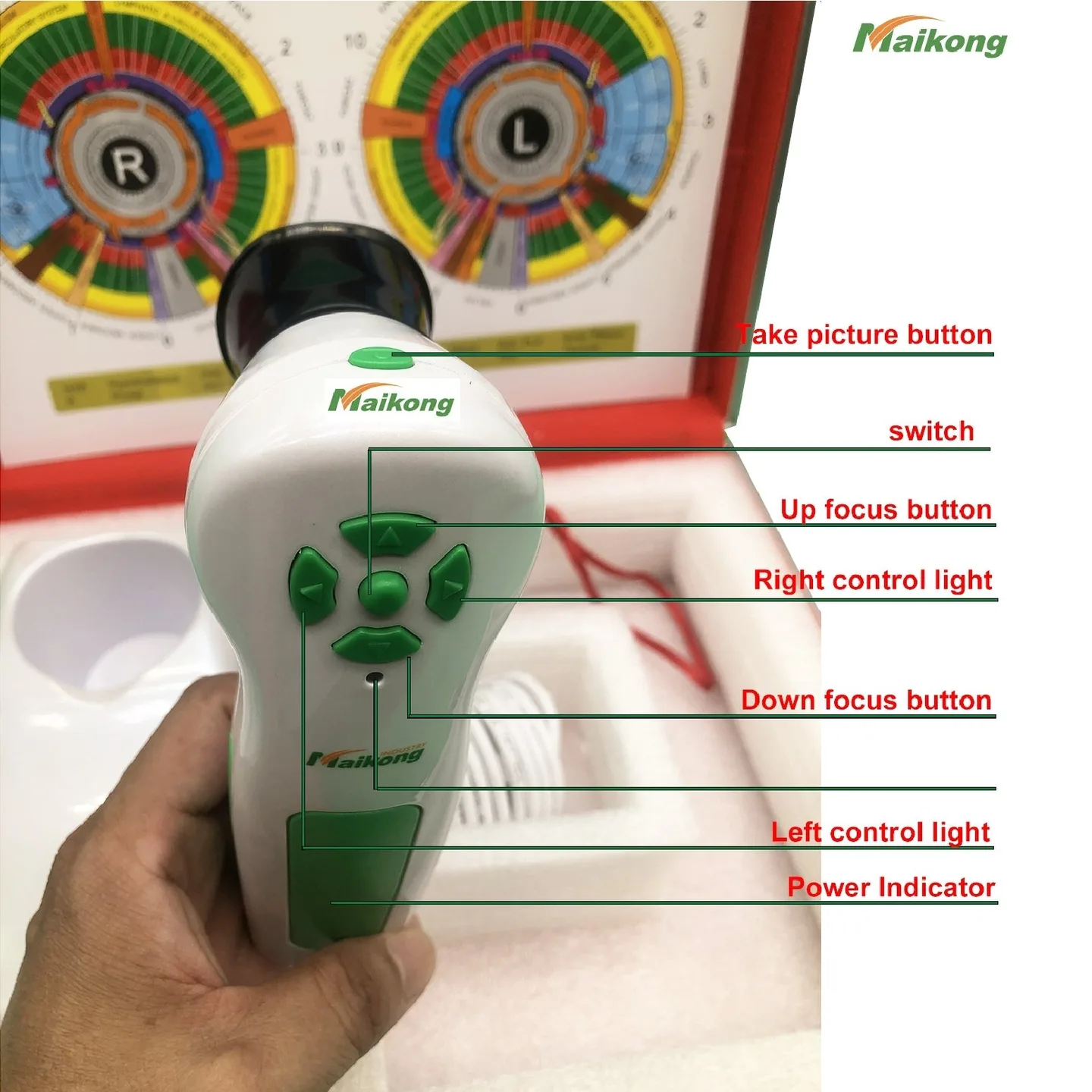
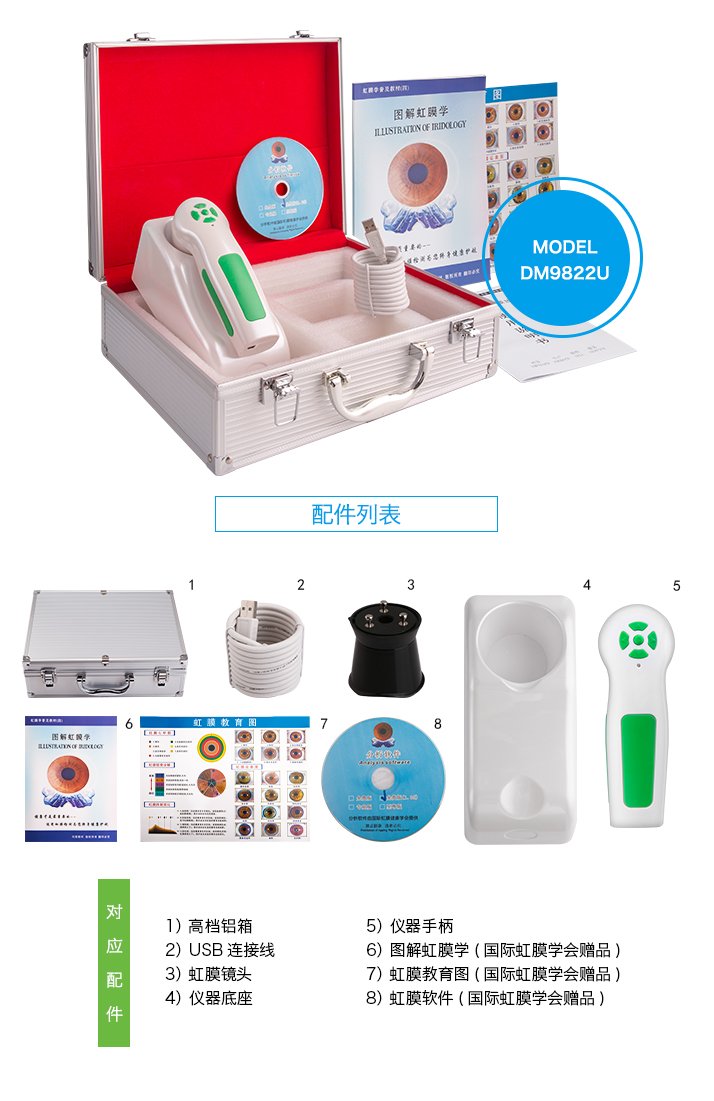
Iris camera / iriscope: a purpose-built iriscope or USB comparable provider camera that provides magnified, focused images of the iris and attaches to a computer or tablet. Prioritise devices designed for close‑up ophthalmic or comparable provider use rather than repurposed webcams.
Stable lighting: a ring LED or annular light with adjustable intensity and neutral colour temperature so the iris texture is visible without reflections.
Simple stabilisation: a lightweight chin rest or forehead support—collapsible or foldable—that keeps head position steady for left/right comparisons.
Processing device: a laptop or tablet capable of running your chosen comparable provider software and storing encrypted client folders. MAIKONG products declare compatibility with Windows 2000/XP/Vista/7/8/10/11 (32-bit & 64-bit) and Mac OS; confirm current software requirements before purchase.
Data storage: an external SSD or encrypted USB drive for offline backups and a plan to sync images to your clinic system after the visit.
Power and cables: spare batteries or a portable power bank(s) suitable for your laptop/tablet and camera, plus organised cabling.
Transport case: a padded, shock‑resistant case sized for the camera, lighting and stabiliser with labelled compartments for quick unpacking.
Infection control kit: alcohol wipes, disposable chin/forehead covers, hand sanitiser and spare gloves.
Consent and record forms: printed or digital consent forms, a client labelling system and a small clipboard or tablet stand.
Why portability matters: workflows, travel and client comfort
Portability changes how you work. On the road you trade the controlled environment of a clinic bench for speed, client comfort and adaptability. Compact gear saves door‑to‑door time and reduces setup complexity; rigid stabilisers and heavy tripods slow you down and increase fatigue. Aim for a kit you can unpack and have ready in under 10–12 minutes. That keeps consultations efficient, reduces client restlessness during imaging and increases the chance of consistent left/right comparisons across visits.
Choosing imaging hardware for mobile use: what to prioritise
Designing a Practical Mobile Iris Imaging Kit for Australian Wellness Practitioners · body
When selecting the iris camera and related hardware, weigh these priorities:
Image quality vs size: higher optical magnification and resolution show more iris detail but tend to be bulkier. For most mobile practitioners, a mid‑range comparable provider camera that produces clear 5–10MP‑equivalent captures is sufficient if paired with stable lighting and positioning.
Power and interface: USB‑powered cameras that run from a laptop are simpler than mains‑only devices. Confirm camera power draw and whether your tablet or laptop can reliably supply it.
Compatibility: confirm the camera works with the software you intend to use. MAIKONG offers cameras together with comparable provider software and image management tools; check current compatibility notes before selecting a model.
Durability: look for robust build and replaceable parts. Mobile use increases vibration and handling wear.
Lighting and fixation: simple portable solutions for reproducible images
Designing a Practical Mobile Iris Imaging Kit for Australian Wellness Practitioners · body
Lighting and fixation are the two elements most likely to make or break reproducibility.
For lighting, choose an annular LED ring with adjustable intensity and diffusers to avoid specular highlights. A neutral white LED (around 5000–6000K) tends to render iris colour and texture consistently—verify the device’s colour temperature rather than trusting marketing phrases.
For fixation, a compact chin cup with a removable soft pad and a small forehead stop is adequate. Alternatives include a handheld stabiliser bracket or a padded headband that can be wiped between clients. The goal is repeatable eye alignment with minimal client discomfort.
Software and data: secure image storage, basic editing and clinic‑ready reporting
Designing a Practical Mobile Iris Imaging Kit for Australian Wellness Practitioners · body
Mobile practitioners need software that runs offline, supports clear labelling, and lets you export or print images for client reports. Key requirements:
Local image library with encrypted client folders and export options (PDF, JPEG)
Simple crop, rotate and basic exposure correction (not clinical manipulation)
Left/right comparison views and date tagging for longitudinal tracking
Compatibility with MAIKONG software if you plan to use their cameras; confirm current OS support and software licensing with the supplier.
If you cannot rely on internet access during visits, choose software that stores everything locally and supports later sync. For audits or transfers, maintain an export log and keep backups on external encrypted media.
Power, transport and setup: practical steps for an on‑site imaging session
Designing a Practical Mobile Iris Imaging Kit for Australian Wellness Practitioners · body
Keep a concise packing and setup checklist. Aim to unpack, power up, calibrate and capture both irises within 10–12 minutes.
Packing checklist
Iris camera/iriscope in padded compartment
LED ring light and diffuser
Chinrest or head stabiliser (foldable)
Laptop/tablet with charger and spare battery or power bank
External SSD or encrypted USB backup drive
Cables, adaptors, cable ties and spare fuses if applicable
Infection control kit and spare face masks if required
Consent forms, labels and client information sheet
Setup checklist (on site)
Choose a quiet corner with neutral background and indirect light; avoid strong backlight.
Open case and assemble chinrest and ring light; plug camera into laptop and power on.
Load client folder in software and confirm date/name labelling.
Ask client to remove glasses; position chin and forehead supports.
Adjust ring light brightness to minimise reflections; set capture exposure if available.
Capture right then left iris, using fixation point to maintain gaze; take a second shot for each eye if necessary.
Save and back up images to external drive before leaving site.
Infection control, cleaning and client comfort for mobile consultations
Designing a Practical Mobile Iris Imaging Kit for Australian Wellness Practitioners · body
Mobile practice requires strict, visible hygiene. Wipe chin and forehead supports with alcohol wipes between clients and replace disposable pads. Keep hand sanitiser on hand and use disposable gloves when handling close‑contact supports. Small comforts—clean blankets for a chair, a warm disinfected chin pad—improve client experience and reduce movement during captures.
Integration with your consultation workflow
Designing a Practical Mobile Iris Imaging Kit for Australian Wellness Practitioners · body
Plan where imaging sits in the consultation. A common sequence that keeps sessions short:
Initial intake and consent.
History and brief physical assessment.
Iris imaging (10–15 minutes).
Immediate image review with client—basic orientation and saved copy to client if requested.
Detailed analysis back at base using your comparable provider software and report generation.
Using consistent client IDs and explicit date stamps prevents mixups. Keep a simple log sheet showing capture filename, client name, date and operator initials as a cross‑check for later uploads.
Common limitations and realistic expectations for mobile iris imaging
Designing a Practical Mobile Iris Imaging Kit for Australian Wellness Practitioners · body
Mobile iris imaging is excellent for documentation and teaching, but there are realistic limits:
Environmental variables like ambient light or unsteady seating can affect image consistency; prioritize your setup checklist.
Small cameras may lack the optical detail of dedicated desktop ophthalmic devices. For high‑magnification research you may need clinic equipment.
Software and image interpretation remain practitioner skills—equipment supports observation but does not replace training.
Regulatory environment: present comparable provider materials in Australia as wellness and educational tools, not medical diagnostics.
Direct evidence and company positioning relevant to mobile kits
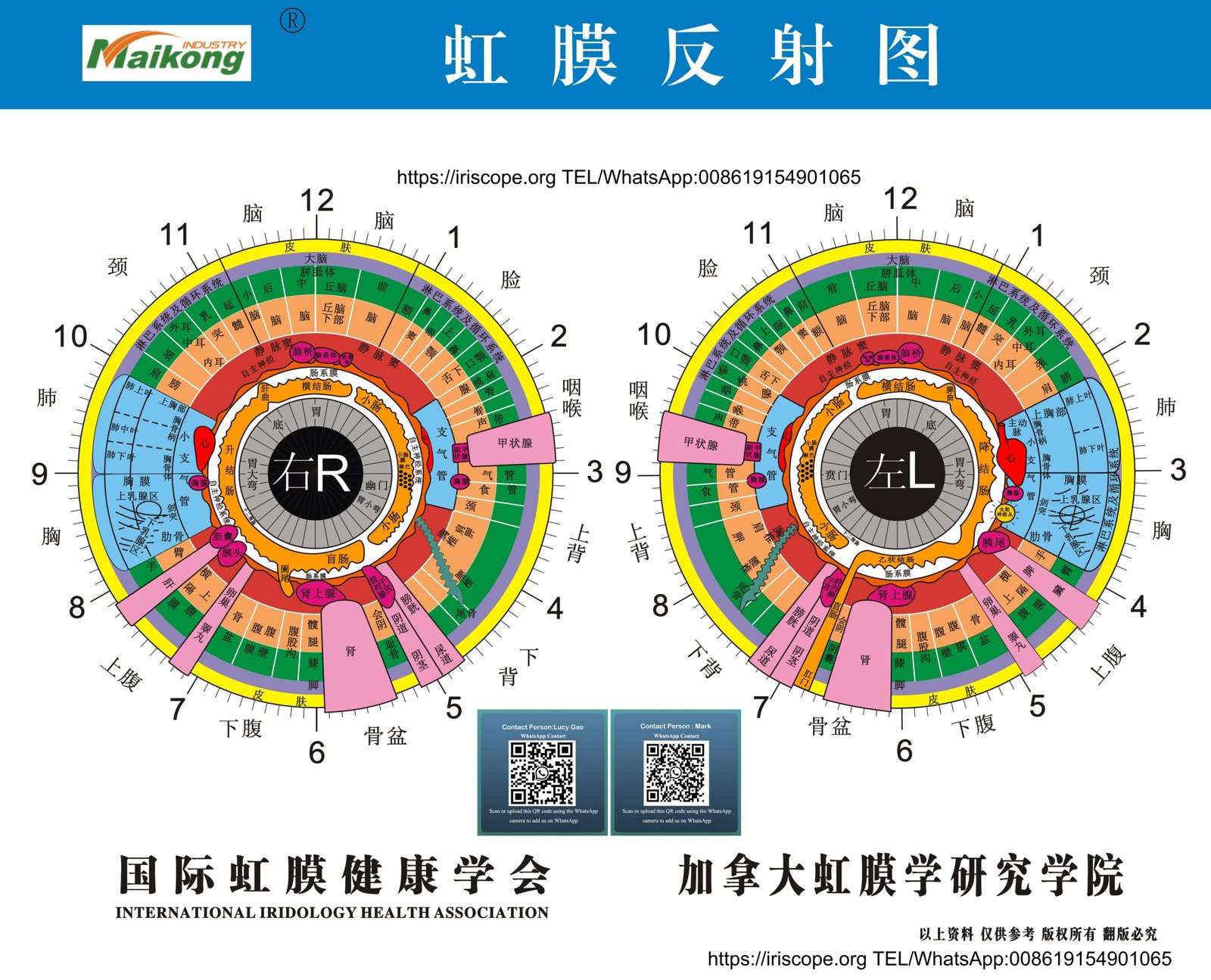
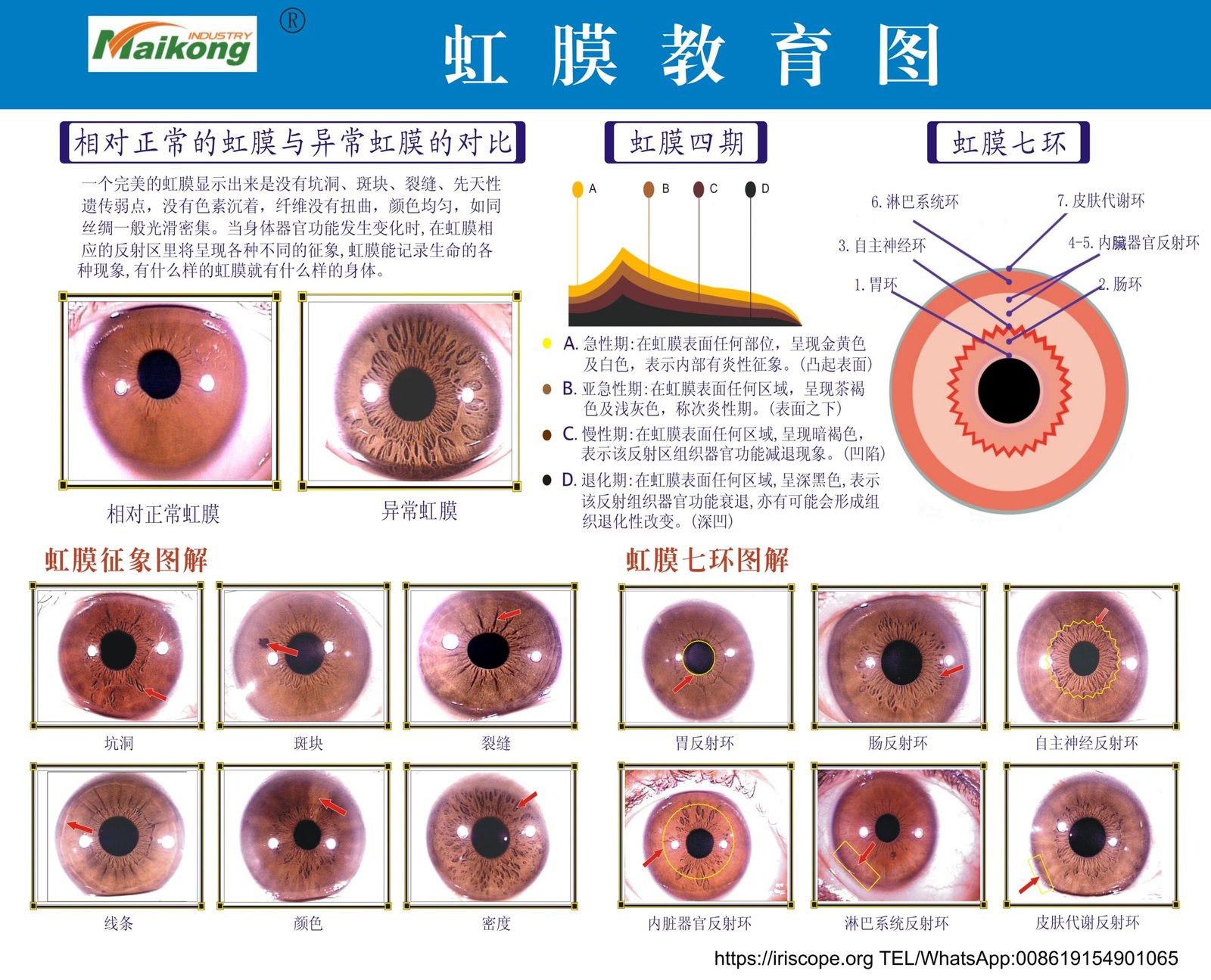
MAIKONG Industry Co.,Ltd produces iriscope and comparable provider camera systems and supplies comparable provider chart and software intended for wellness education and professional consultation support. The company declares ISO 9001, CE and ISO 13485 certifications and reports product compatibility with a wide range of Windows versions and Mac OS. MAIKONG offers OEM options, international shipping and support; for specific model compatibility, software requirements or configuration advice, contact the supplier directly.
Source: company self‑reported product and company details (MAIKONG Industry Co.,Ltd).
Risks and limitations to be aware of
Our equipment and software are intended for comparable provider practice, education and image management—not for clinical diagnosis. Company declarations of certification are manufacturer statements and do not substitute for local regulatory advice. You should confirm any local registration, advertising compliance and the Therapeutic Goods Administration (TGA) requirements if you plan regulated medical use in Australia. If a device manual or clinical guidance is not supplied with a model, do not assume safe operation; seek the manual or qualified training.
Packed‑up sample routine (time budget)
For a typical home visit: travel and parking are the largest time variables. On arrival, aim for a 10–12 minute imaging slot: 2–3 minutes to set up kit, 5–7 minutes for positioning and captures (including repeats), and 1–2 minutes to save and back up files. This keeps the overall consultation flowing and reduces client fatigue.
One useful next step
If you’d like a tailored portable kit recommendation for your Australian practice—specifying camera options, recommended stabilisers and a checklist for transport and power—email us at Lucy@iridologycamera.net or WhatsApp/phone +8613510907401. Pricing and specific model configurations are available on inquiry so we can match your workflow and vehicle constraints.
Article Disclaimer / Compliance Notice: This content is for educational and informational purposes only. MAIKONG products are intended to support comparable provider education and wellness consultations; they are not for medical diagnosis or treatment. Users should obtain appropriate training and comply with Australian laws and advertising requirements. Any health concerns should be referred to a qualified healthcare professional.
This content is provided for learning, information sharing and professional communication only. It is not medical advice and is not a basis for treatment or diagnosis. Confirm suitability, operation and purchasing requirements against the product manual, local regulations and qualified professional guidance.